Assist AR App
A bespoke remote support app with augmented reality
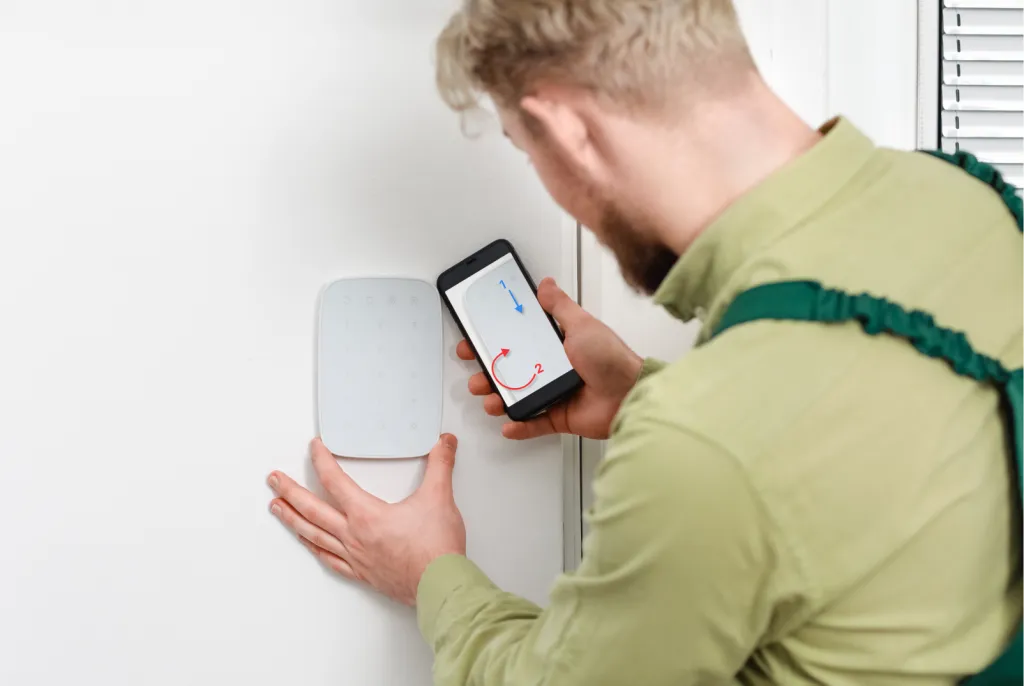
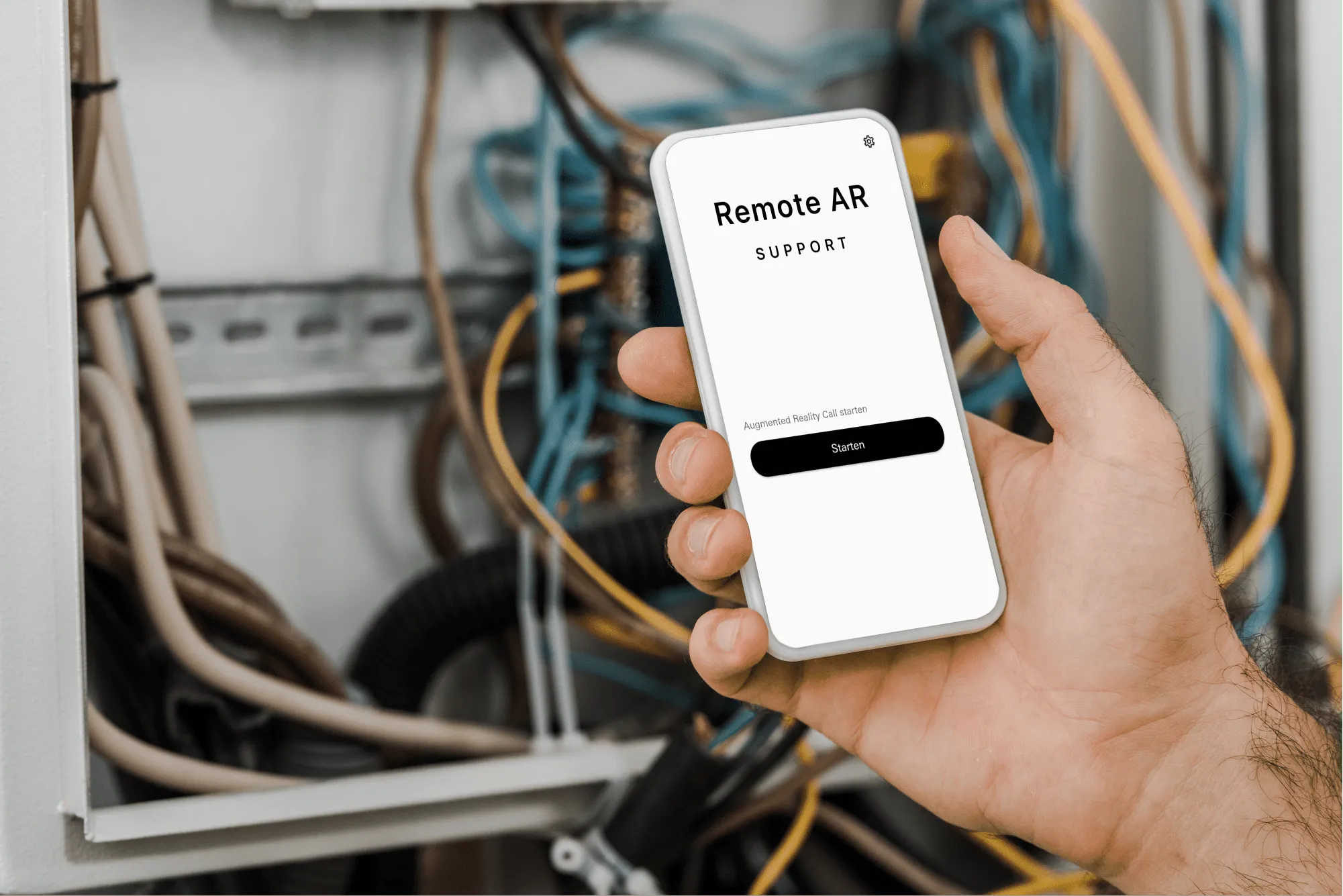
A remote AR support solution that lifts customer satisfaction to a different level. Build your own app to help customers and staff with problems in real time. Using augmented reality through the phone camera, problems get described quickly and solutions are literally sketched on screen.
Assist AR App
A remote AR support solution that lifts customer satisfaction to a different level. Build your own app to help customers and staff with problems in real time. Using augmented reality through the phone camera, problems get described quickly and solutions are literally sketched on screen.
With the TeamViewer Assist SDK and our Flutter blueprints we open up a new set of options for your support team. Remotely, you see the problem through the user's camera, find the cause and sketch the fix straight onto their phone. That removes misunderstandings and keeps costs down.
Service that stands out
Take your support to a different level. With the remote AR solution, questions and problems get settled quickly and effectively on site. The problem is explained over video, and the built-in AR function then puts the solution directly on the phone screen.
Augmented reality lets you offer excellent service anywhere, at any time, without extra resources on the ground. That means a higher first-contact resolution rate and noticeably better support.
The features
At the heart of the app sits the TeamViewer Assist AR SDK. A remote support app cuts down on field visits and lets you add real value at the very first contact:
- Connect to customers or staff by video
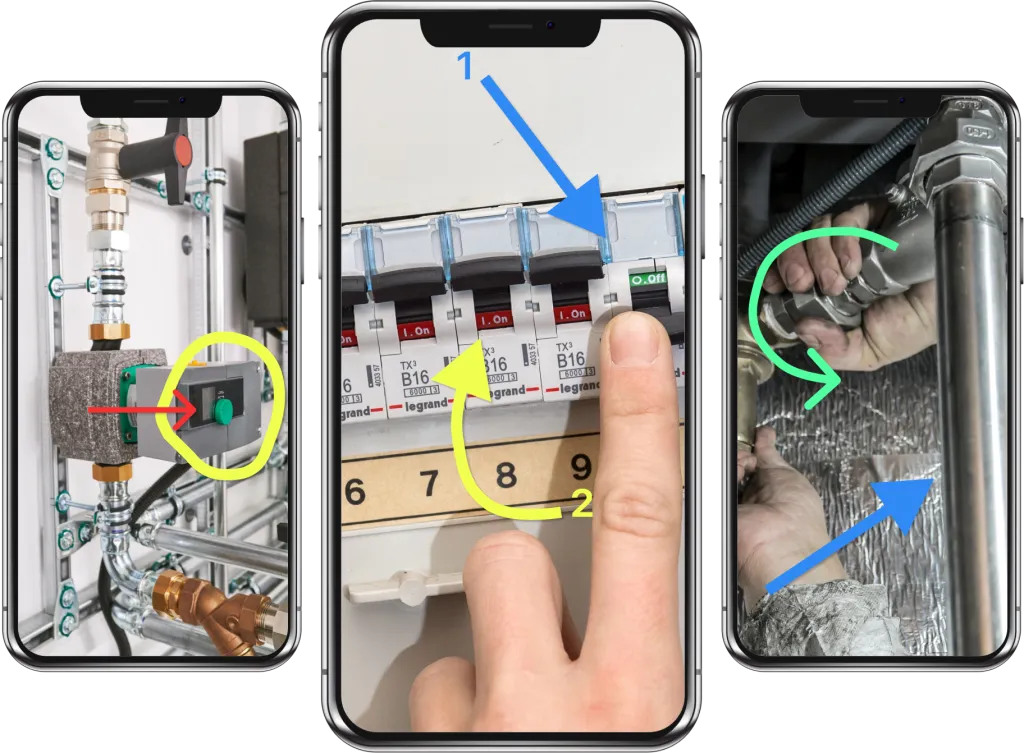
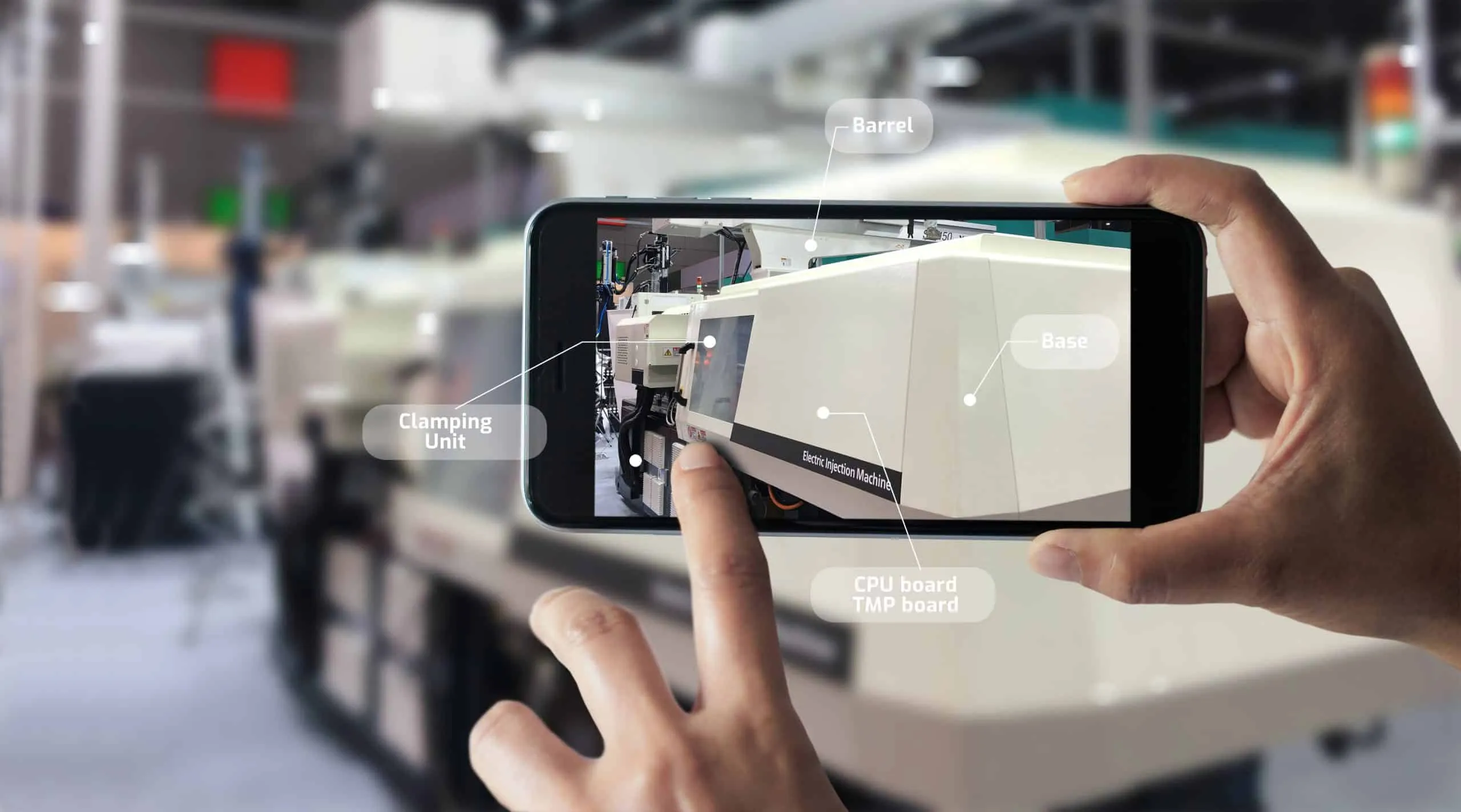
- Place arrows, text notes and drawings directly in the image, sticking to real objects even as the camera moves
- Support staff or customers in setting up, servicing and maintaining products, machines and plant
- Shape the remote support app the way you want it
Cut travel costs
With the remote support AR app you guide field technicians in real time from anywhere, using augmented reality. Highlight control panels and components with arrows, markers and text notes, live in the stream with your colleague. Thanks to 3D object recognition those notes stay attached to the objects on screen even when the camera moves — which is what makes it precise and dependable in critical situations.